
Operator guide
This part is for the person who runs a Wayfare instance. You can host it yourself with Docker, or on Google Firebase. The same codebase serves both.
Architecture
Wayfare is a Next.js 16 application built with ports & adapters: the business logic talks to small interfaces, and the container picks the implementation at start-up based on WAYFARE_RUNTIME.
| Port | Self-hosted (WAYFARE_RUNTIME=selfhost) | Firebase (WAYFARE_RUNTIME=firebase) |
|---|---|---|
DocumentStore | SQLite (better-sqlite3, JSON documents) in DATA_DIR | Firestore (firebase-admin) |
BlobStorage | Local filesystem or S3-compatible | Firebase Storage (or S3) |
Mailer | SMTP or console | SMTP or console |
PhotoSourceAdapter | Google Photos Picker, Google Drive Picker | same |
| Auth | Better Auth on top of the DocumentStore | same |
Why one generic DocumentStore? See ADR 0001.
Pages in this guide
| Page | Topic |
|---|---|
| Self-hosting | Docker Compose, HTTPS reverse proxy, backups, upgrades |
| Firebase | App Hosting + Firestore + Storage: one-command Cloud Shell setup, release workflow, manual steps |
| Configuration | Every environment variable |
| Authentication | Google, Apple, Facebook, Discord, magic link, passkeys, admins |
| Photo sources | Google Photos / Drive import setup |
| Storage | Local, S3, Firebase Storage |
| SMTP and the daily digest | |
| Security & privacy | Security model and GDPR notes |
| Troubleshooting | Common problems |
Admin area
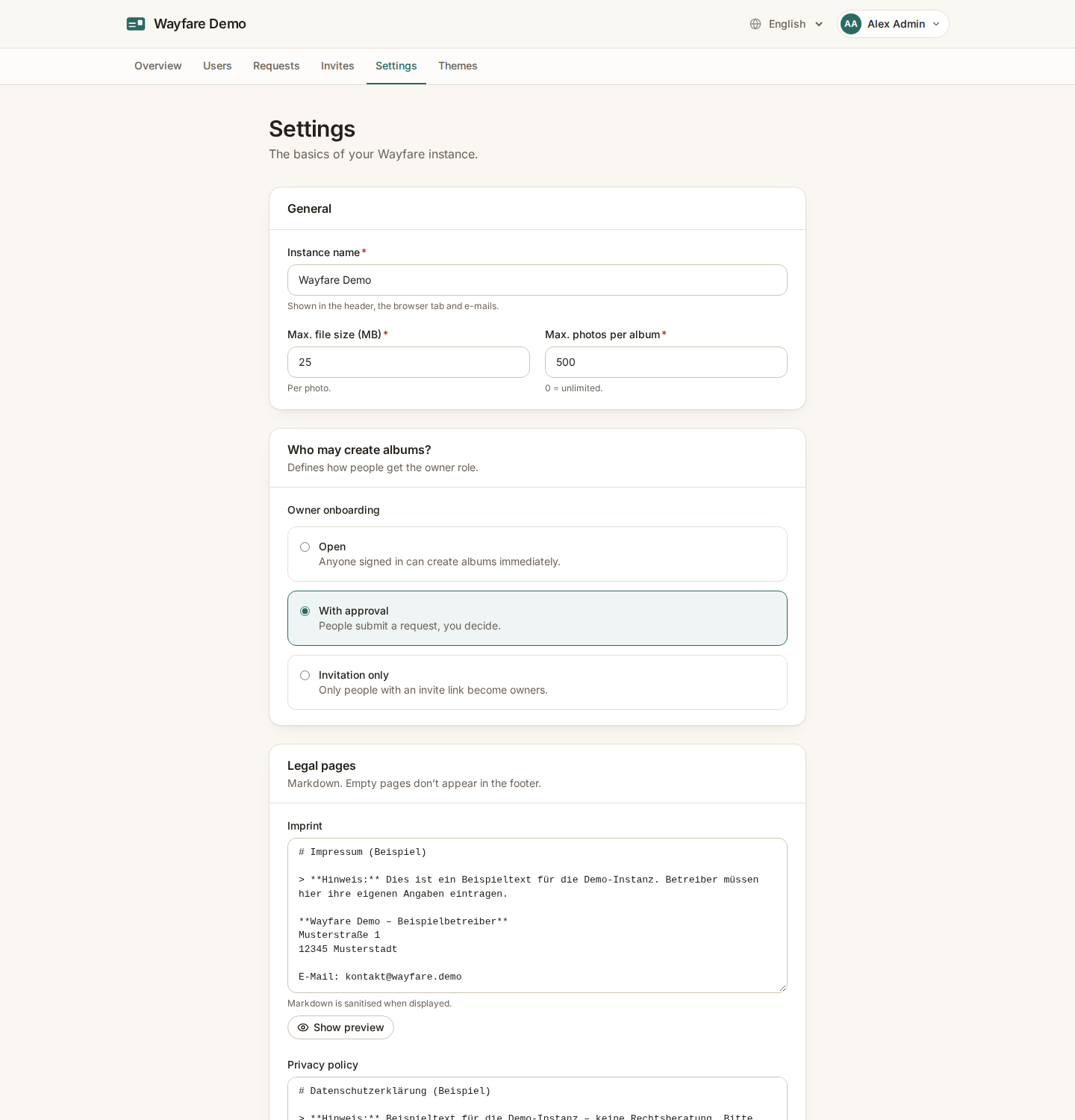
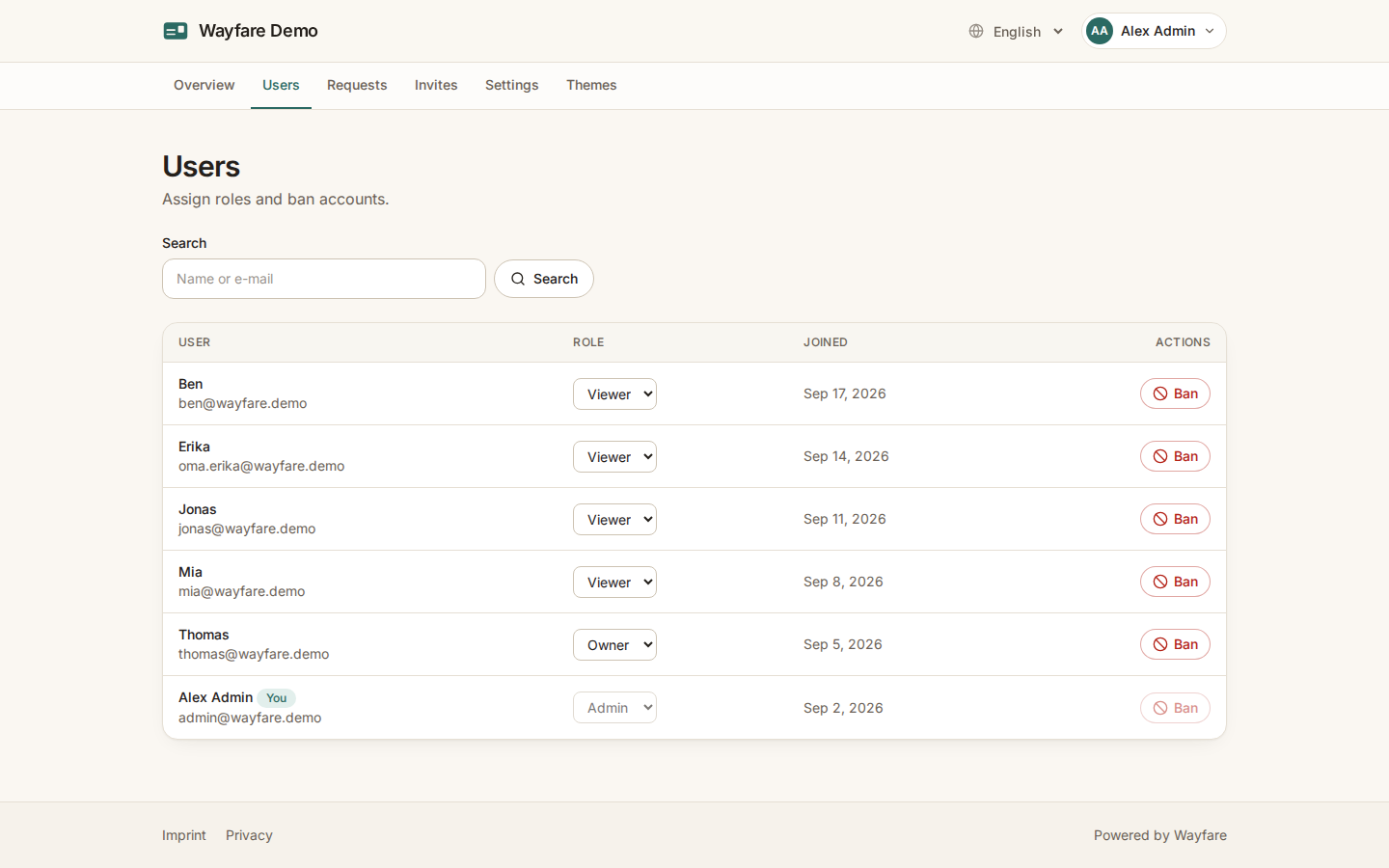
Admins manage the instance in the browser under /admin: onboarding mode, instance name, upload limits, legal pages and users.
Health check
GET /api/health returns {"status":"ok"} when the database is reachable (HTTP 503 otherwise). The Docker image uses it for its HEALTHCHECK; point your uptime monitor at it too.