
User guide
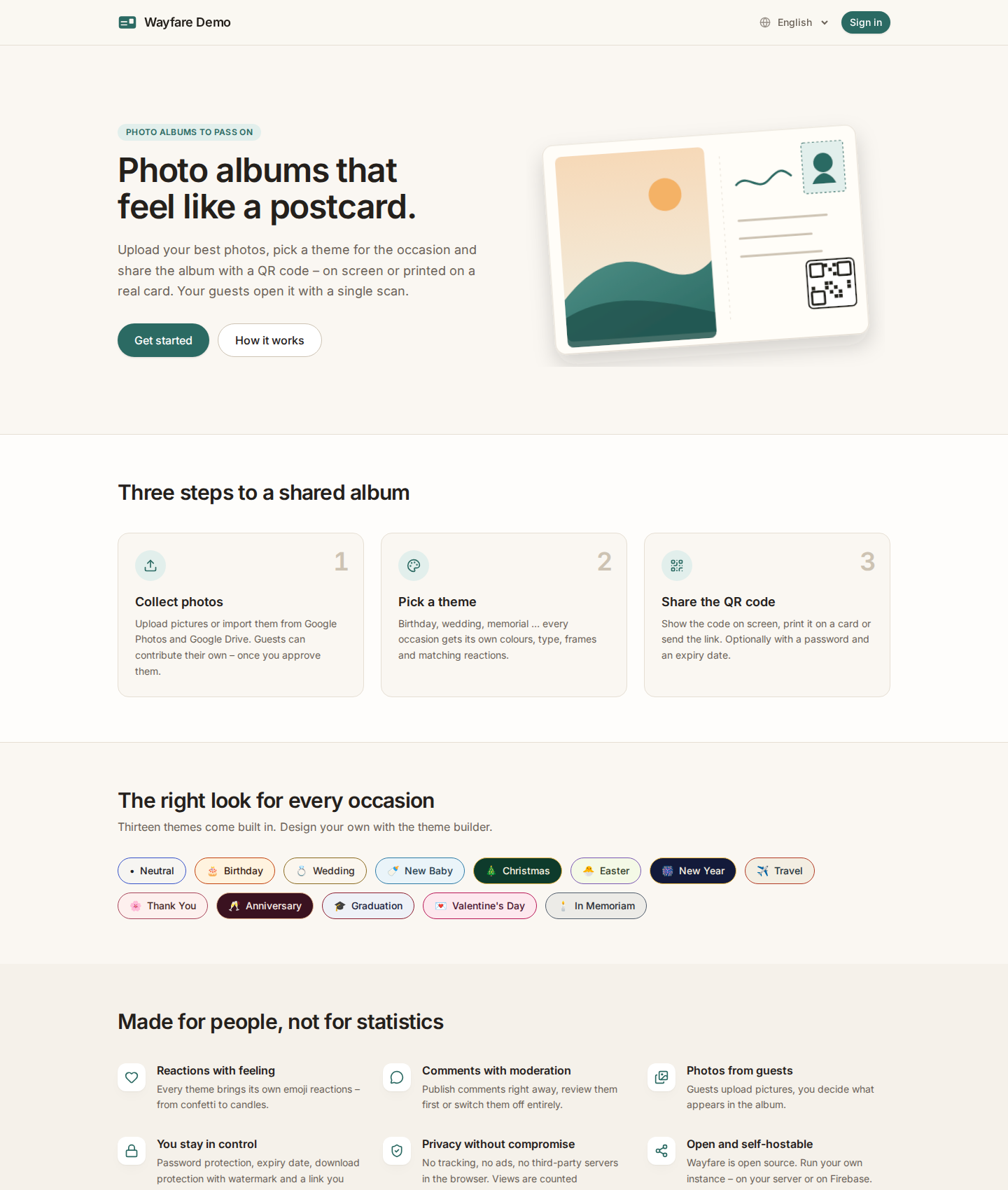
Wayfare lets you share digital photo albums with friends and family the way you would send a postcard: you create an album, pick a theme that fits the occasion, and hand out a QR code — on a printed postcard, a sticker, a poster, or as a message. Whoever scans it sees your album in the browser. No app, no download.
What you can do
- Create albums with a cover, greeting text and a theme for the occasion (birthday, wedding, baby, …).
- Upload photos or import them from Google Photos and Google Drive.
- Share via QR code or link, optionally protected by a password and an expiry date — and revoke access at any time.
- Print postcards (A6), sticker sheets and posters, or export images for social media stories.
- Let guests react and comment, and optionally upload their own photos — with moderation.
- Protect your photos with download protection and a watermark.
Roles
Wayfare has three roles. Each one includes the abilities of the role below it.
| Role | Can do | How you get it |
|---|---|---|
| Viewer (guest) | Open albums you have the link/QR/password for, sign in, react, comment, upload when the owner allows it | Automatically when you sign in |
| Owner | Everything a viewer can, plus create and manage your own albums, themes, photo imports, sharing and printing | Depends on the instance's onboarding mode — see Getting started |
| Admin | Everything an owner can, plus manage users, onboarding, instance settings and public themes | Set up by the operator (the first user or the configured admin e-mail addresses) |
Which guide do I need?
You use a Wayfare instance somebody else runs? Stay in this user guide. You run the server yourself? See the operator guide.
Where to go next
- Getting started — sign in and become an owner
- Albums and Photos
- Sharing & QR codes and Printing
- Guests? Send them For guests.