
For guests (viewers)
Somebody sent you a Wayfare card or link? Here is what to expect.
Opening an album
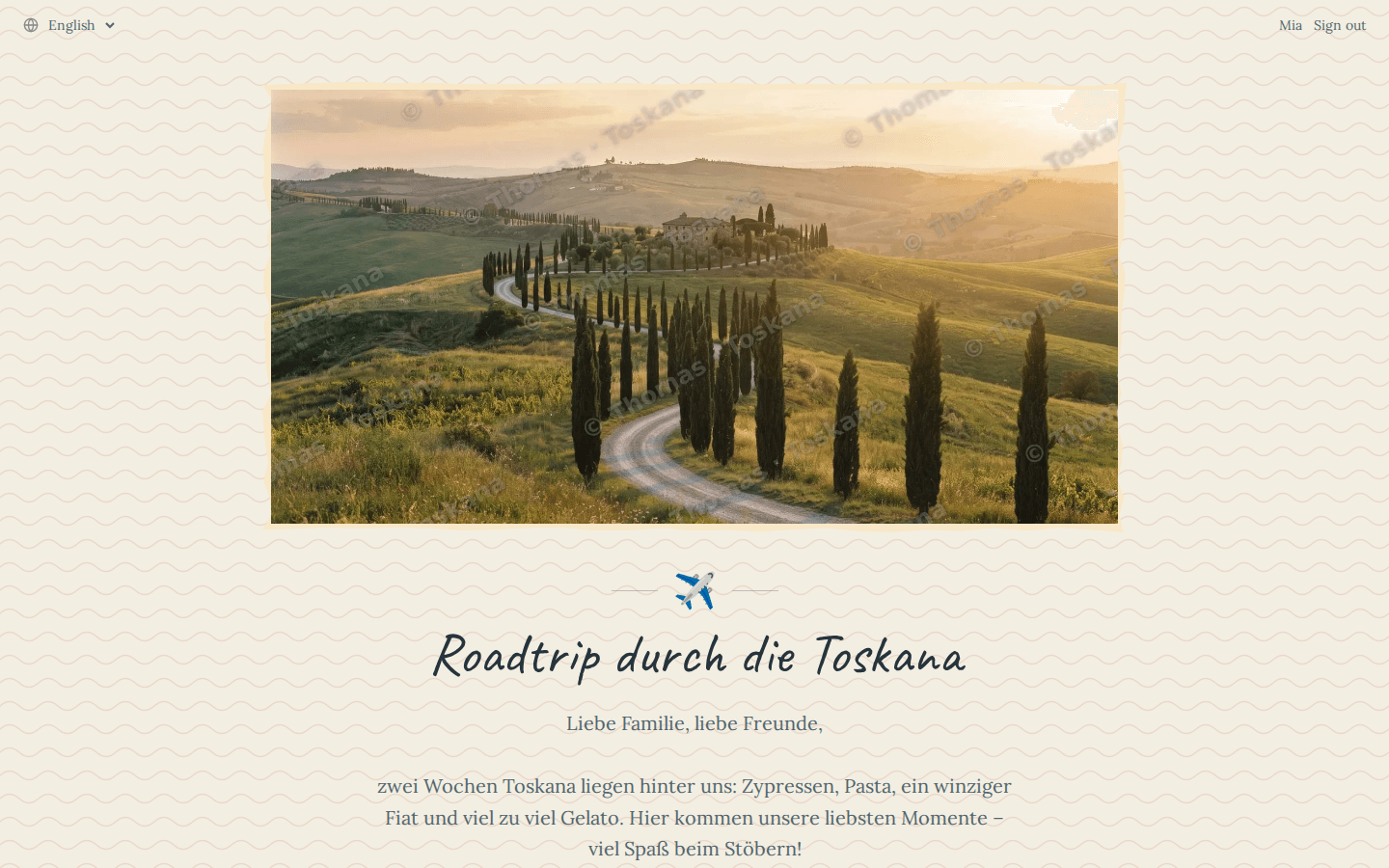
Scan the QR code with your phone's camera or tap the link. The album opens in your browser — no app needed.
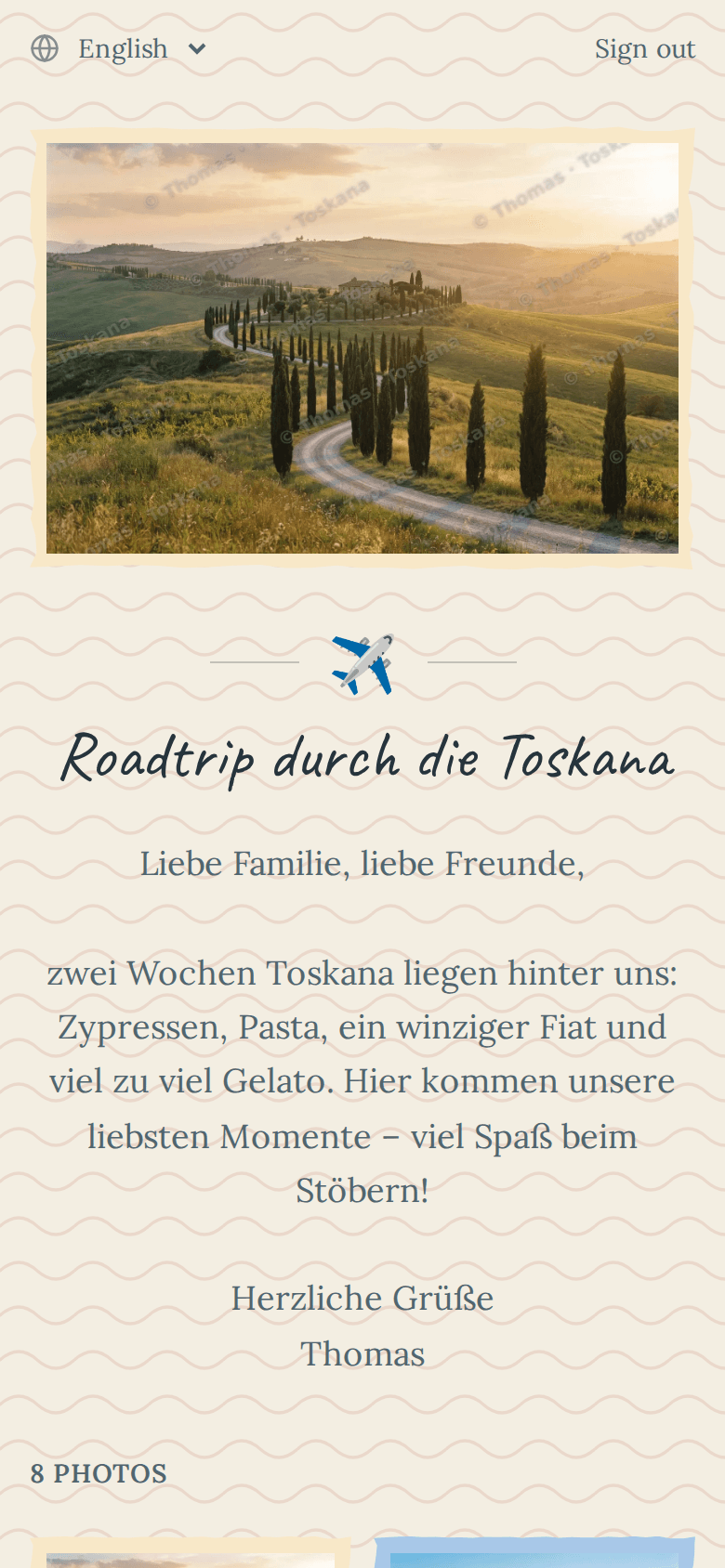
On a phone the album adapts to the screen:
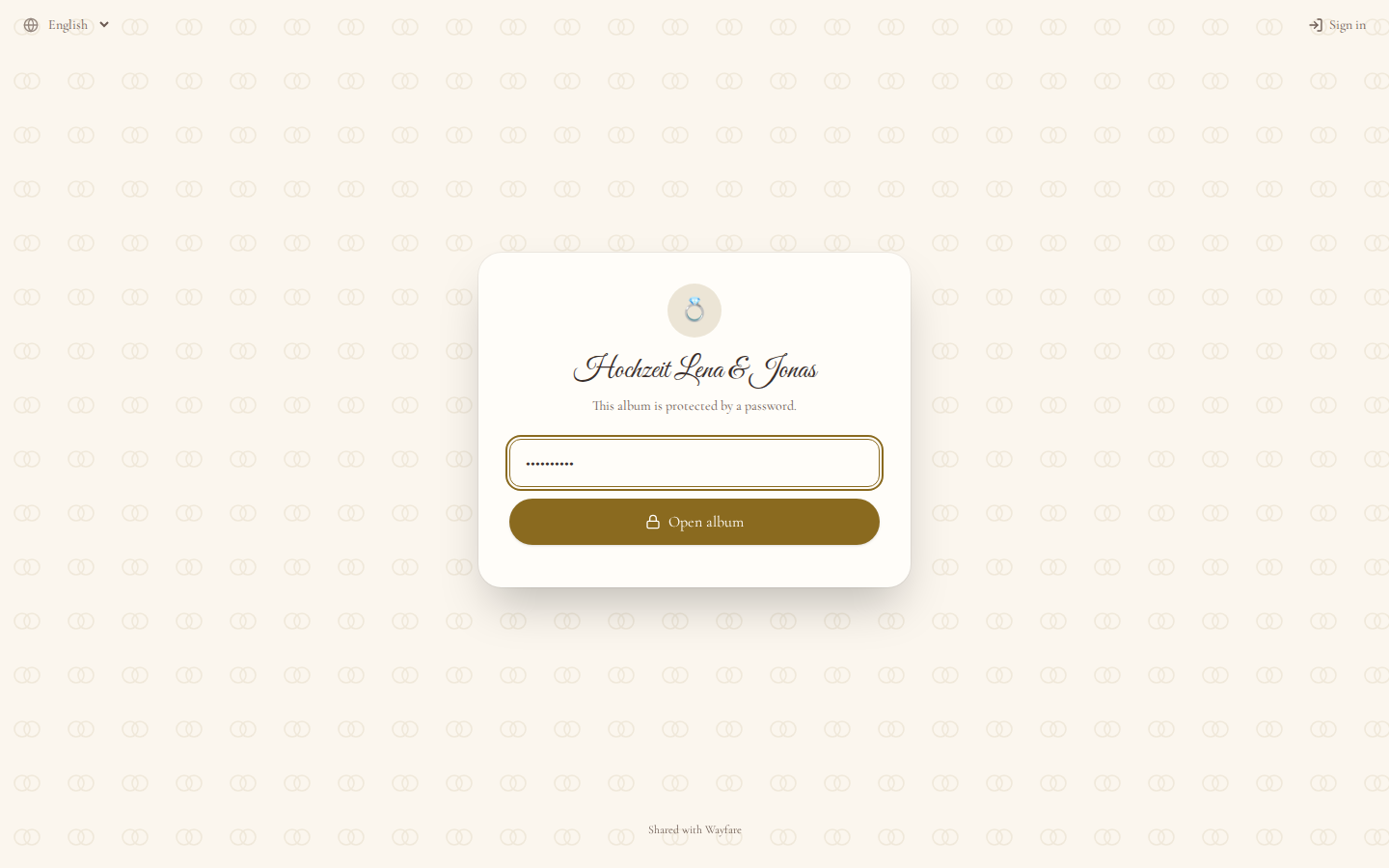
If the album is password protected, you'll see a lock screen. Ask the sender for the password.
If you see "expired" or "not found", the owner has ended or renewed the share — ask for a new link.
Browsing
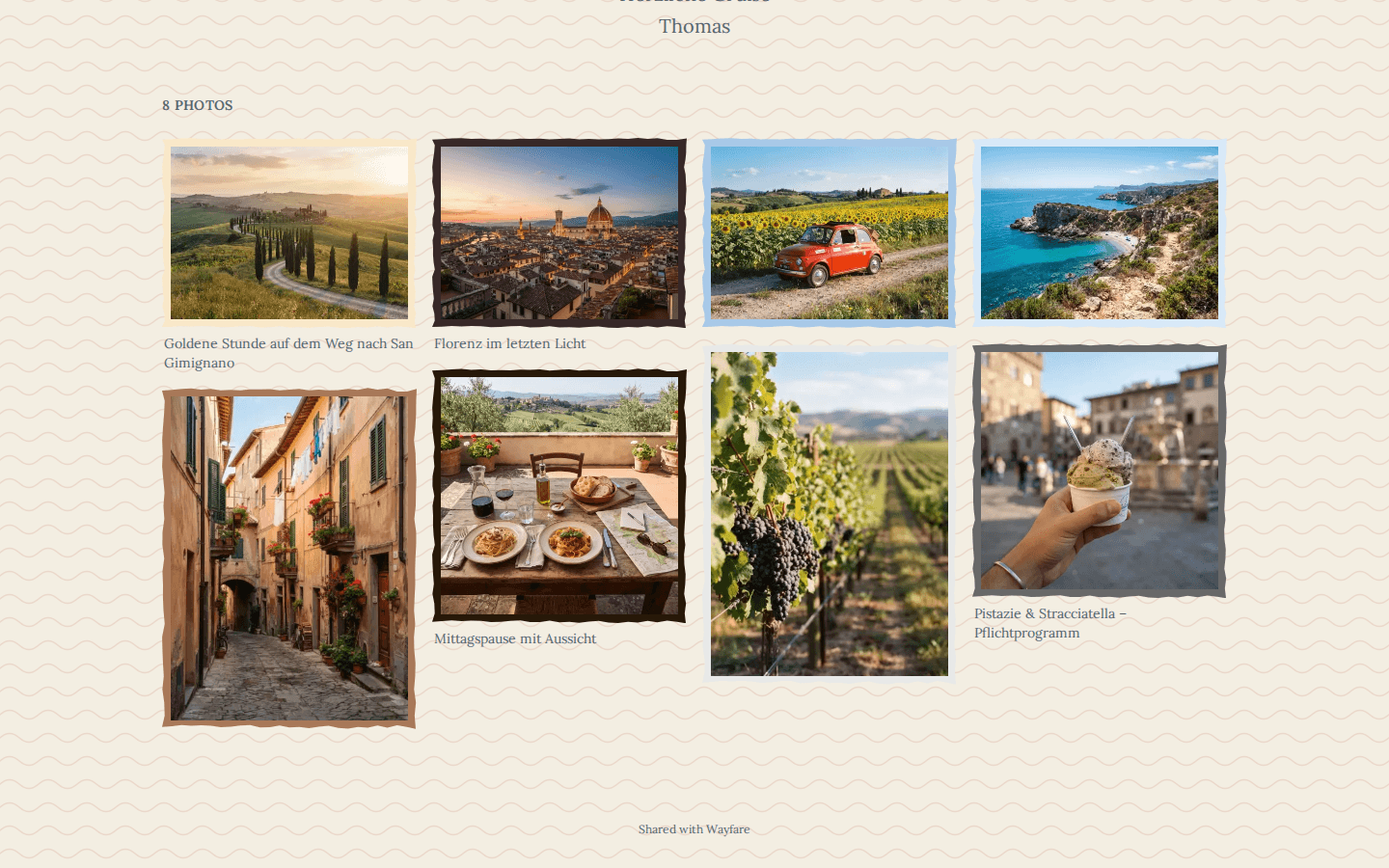
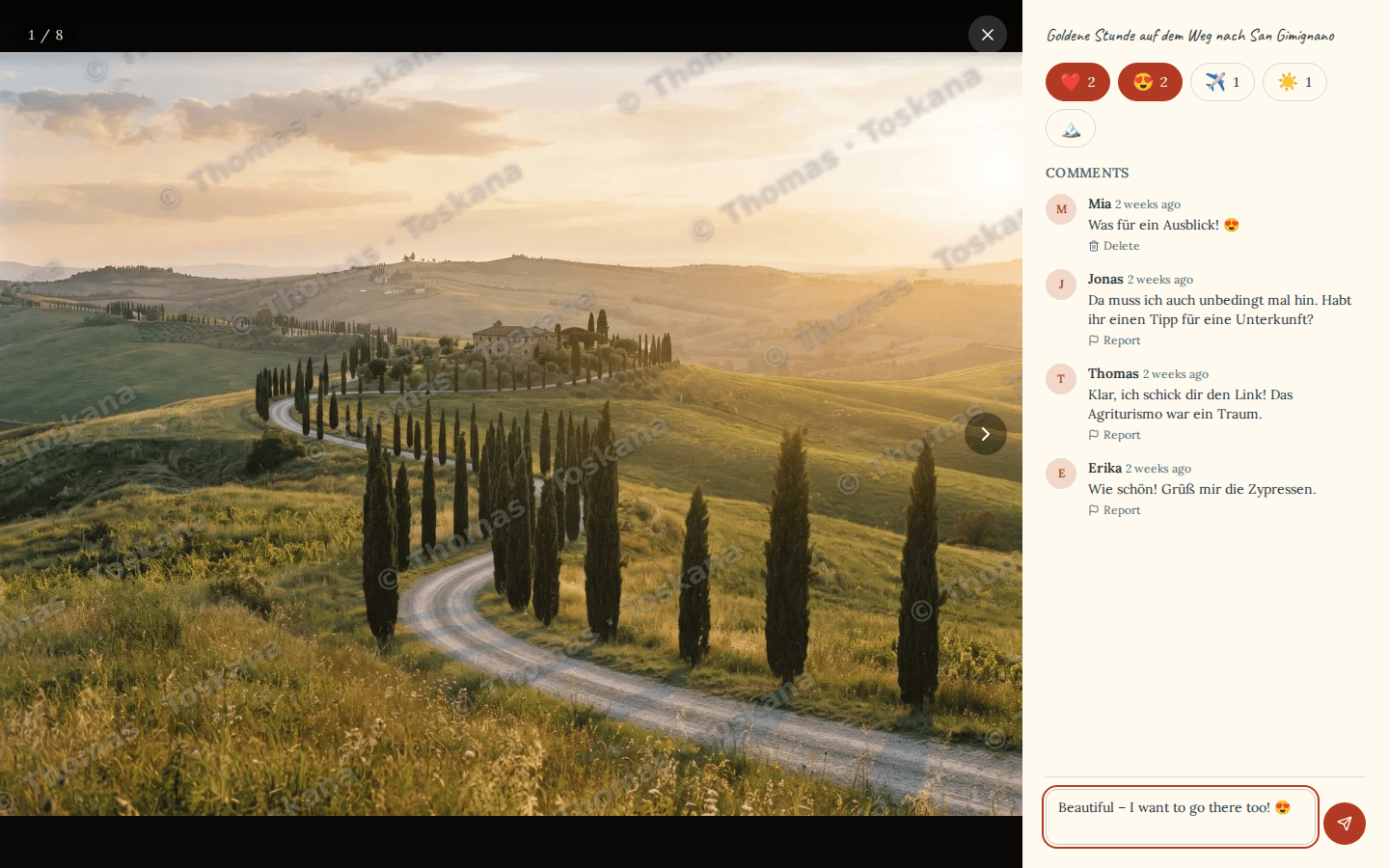
Scroll through the photo grid, tap a photo to open it full screen and swipe or use the arrow keys to move on.

Signing in
To react, comment or upload you must sign in — with Google, Apple, Facebook, Discord, a magic link in your e-mail, a passkey or e-mail/password, depending on what the instance offers. Viewing doesn't require an account.
Reacting and commenting
Tap one of the emoji under a photo to react (tap again to remove it). Write a comment in the lightbox; depending on the album it appears immediately or after the owner approved it. You can delete your own comments and report inappropriate ones.
Uploading your own photos
If the owner enabled guest uploads you'll see an Add photos button. Your photos appear after the owner approved them. There may be a limit per guest.
Downloading
A download button only exists if the owner allowed it. Otherwise photos are view-only.
Privacy
- Wayfare uses no tracking and no third-party services in your browser; even fonts are served by the instance itself.
- Views are counted anonymously, without storing your IP address.
- Locations (GPS) in photos have been removed.
- If you signed in, the owner sees your name next to your comments, reactions and uploads. You can delete your account any time under Account, which also removes your comments and reactions.