
Getting started
Sign in
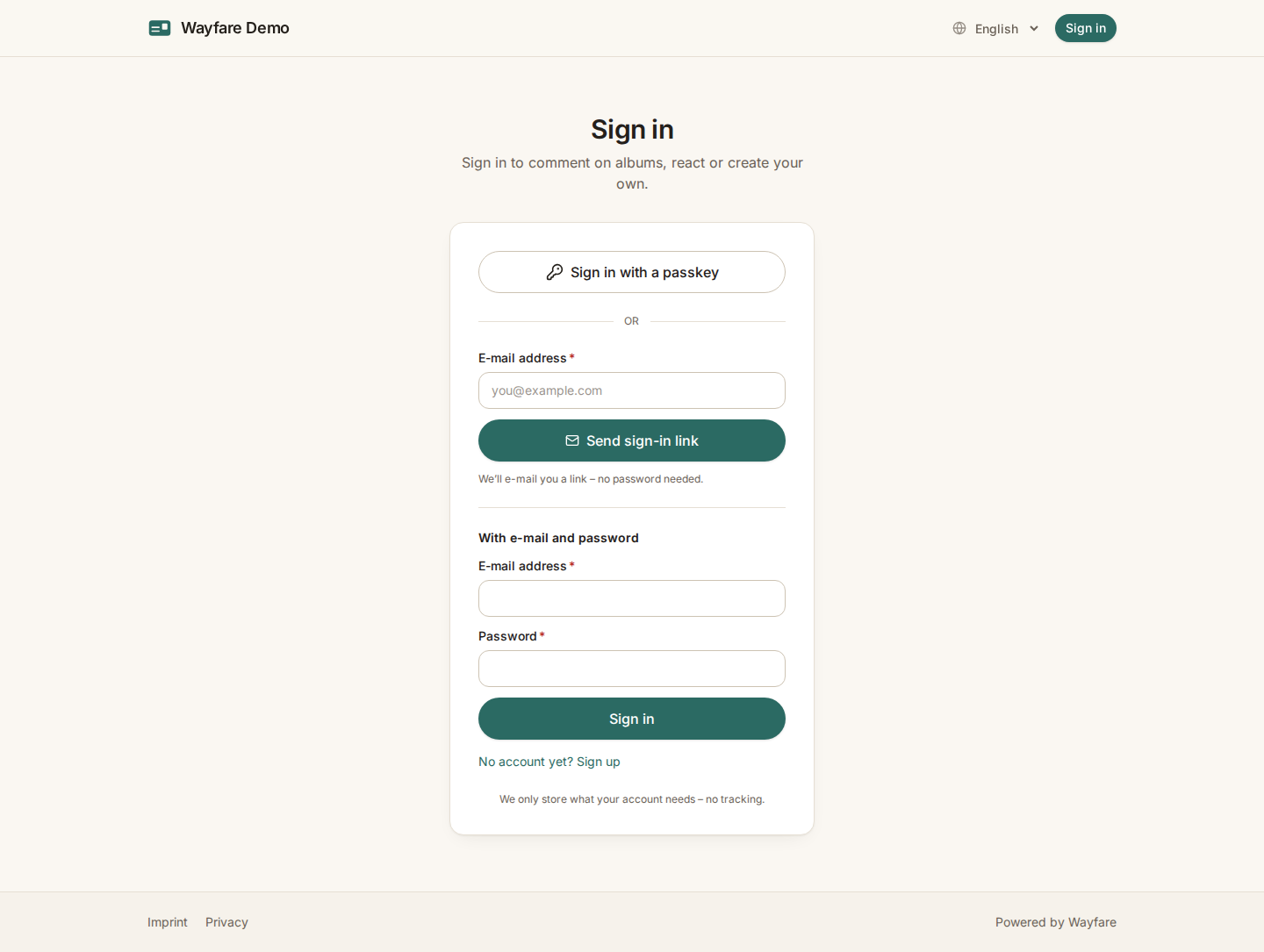
Open your Wayfare instance and choose Sign in. Depending on what the operator has enabled you can use:
- Social login — Google, Apple, Facebook or Discord
- Magic link — enter your e-mail address and click the link we send you
- Passkey — sign in with fingerprint, face or device PIN (no password)
- E-mail and password — if the operator enabled it
Everybody starts as a viewer. Viewers can open albums, react and comment, but cannot create albums yet.
Become an owner
How you become an owner depends on the onboarding mode the admin picked for the instance:
| Mode | What you see | What to do |
|---|---|---|
| Open | A button "Become an owner" | Click it — you are promoted immediately |
| Approval | A form "Request owner access" | Write a short message about what you want to share and send it. An admin approves or denies; you will see the status on your dashboard |
| Invite only | No button | Ask an admin for an invite link (/invite/<token>). Opening it while signed in promotes you. Links are valid for 14 days by default and work once |
Invite links work in every mode — an admin can always invite you.
Your dashboard
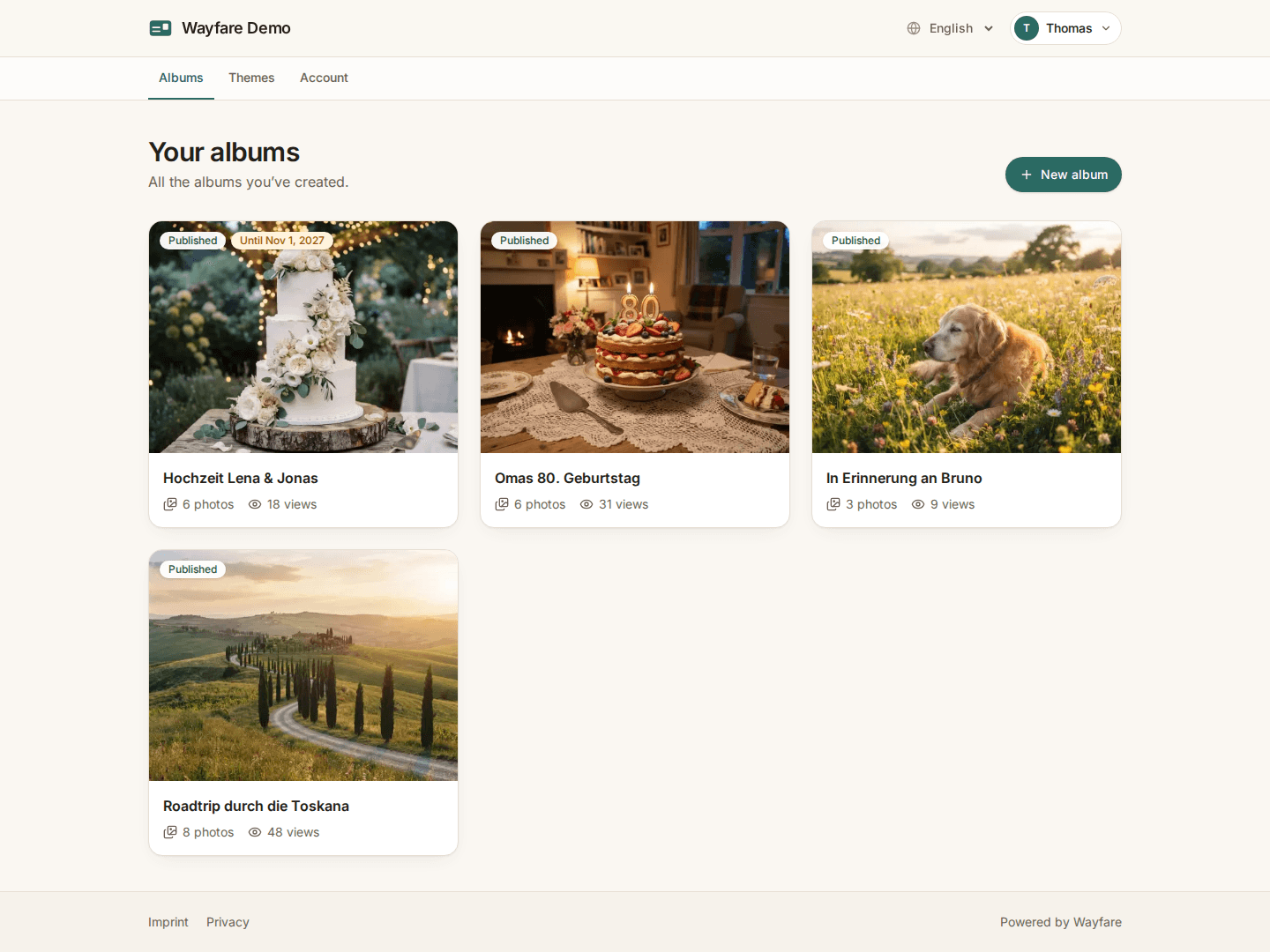
After becoming an owner you land on the dashboard: all your albums, their status (draft or published), view counts and shortcuts to create a new album.
Your account
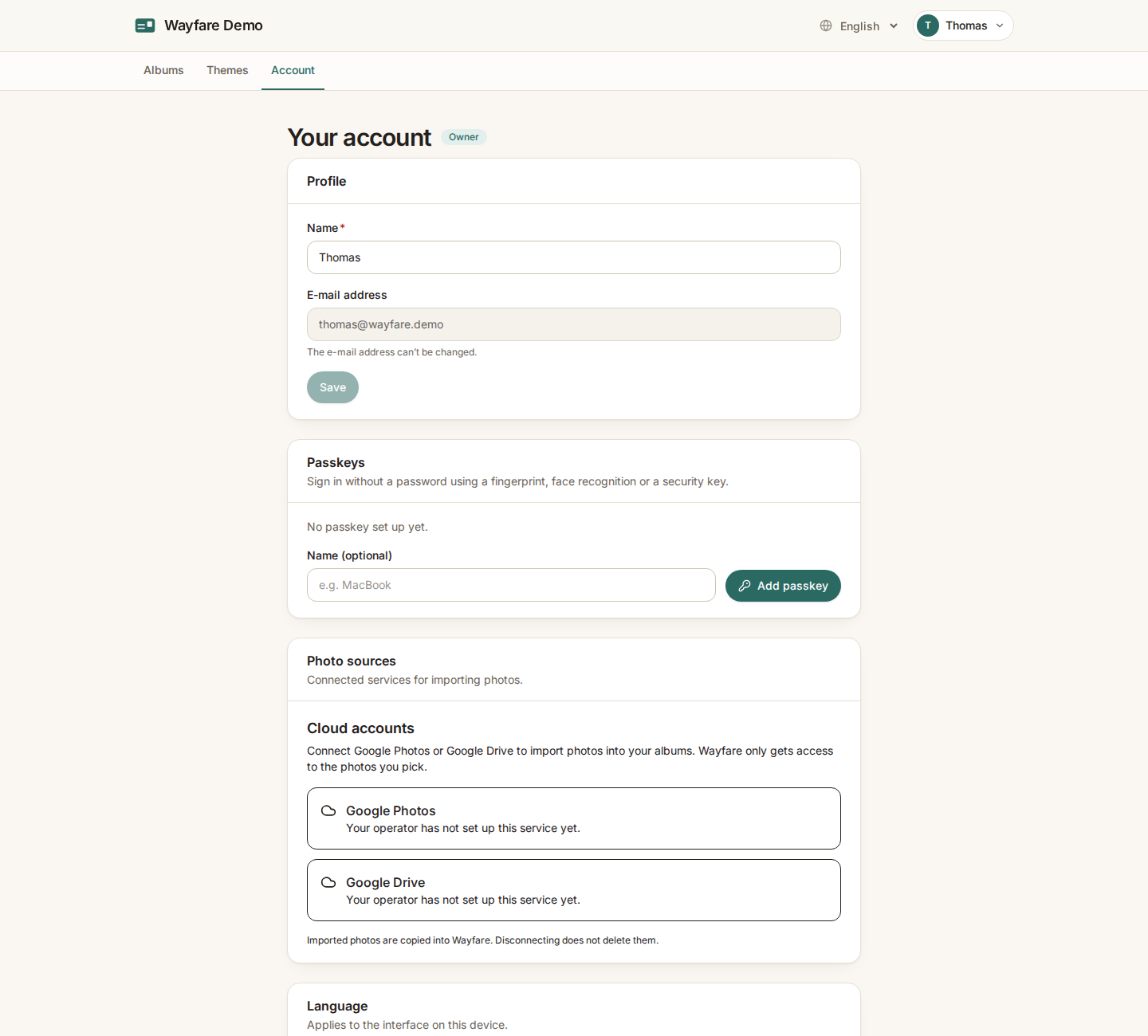
Under Account you can change your name and picture, see your sign-in methods (add a passkey, for example) and delete your account. Deleting removes your albums with all photos, your comments, reactions, connected Google accounts, sessions and passkeys — this cannot be undone.
Language
Wayfare speaks German and English. The language follows your browser setting and can be switched in the footer or in your account.